AA RZR Pro XP/Turbo R/Pro S Launch Control Module
AA RZR Pro XP/Turbo R/Pro S Launch Control Module
SKU:117-96070006-2-2000
Regular price
$450.00 USD
Regular price
Sale price
$450.00 USD
Shipping calculated at checkout.
Select your machine to get the right part number.
Quantity
Couldn't load pickup availability
Final sale. This item is not eligible for return. Return and refund policy
Don't see your machine or the part you need? Ask us and we'll track it down.
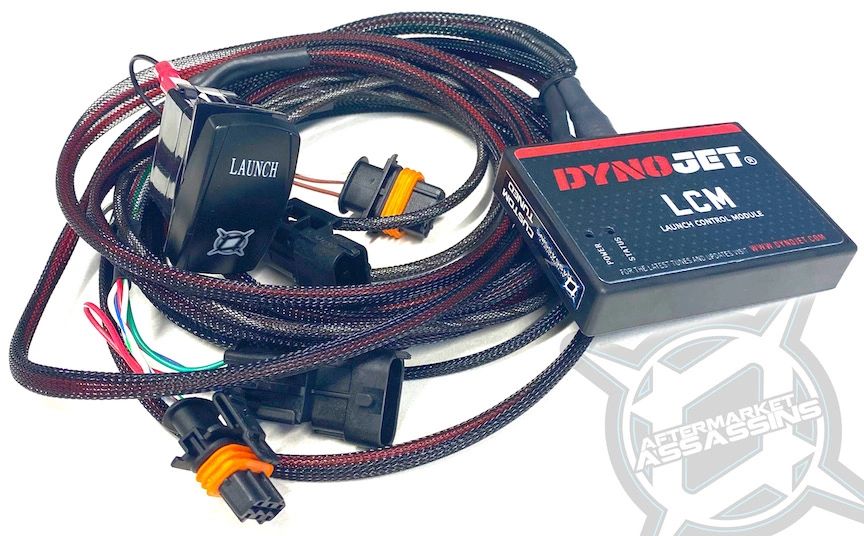
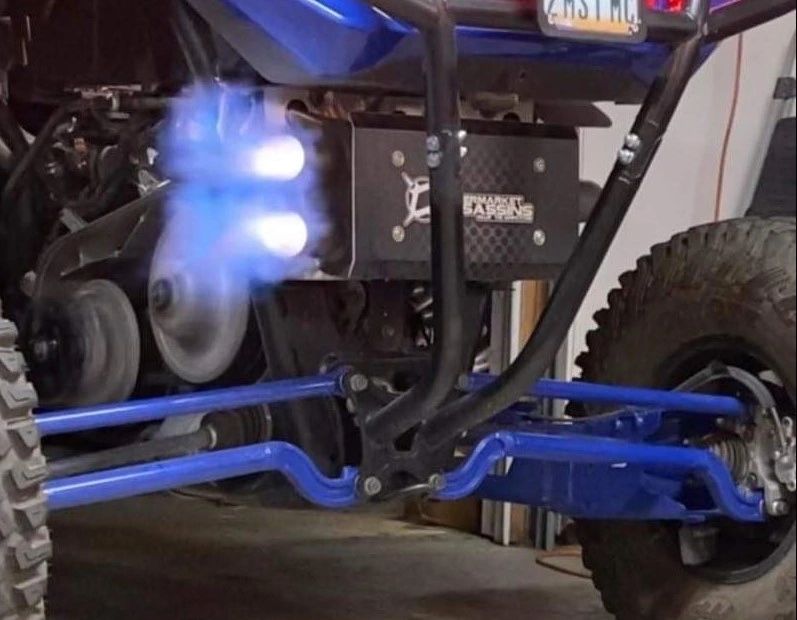
The Aftermarket Assassins Launch Control Module builds boost at the starting line on 2020 and newer Polaris RZR Pro XP, Turbo R and Pro S models, for drag racing, other racing, or just fun.
Why it holds up
- Developed with DynoJet, with AA wiring, switch, programming, tune and tech support
- Brake boosting alone makes around 7 to 8 PSI in the plenum. With launch control AA sees 14 to 17 PSI, depending on launch RPM, for much faster spool and acceleration.
- On the PV3 gauge, boost goes from negative to positive pressure at the line
- Launch RPM is programmed by AA and can be changed with a Windows computer and DynoJet C3 software
Fits
- 2020 and newer Polaris RZR Pro XP, Turbo R and Pro S models only, 2 and 4 seat
In the box
- DynoJet launch control module, programmed by AA
- AA wiring harness with launch switch
- USB cable for adjusting launch RPM
Good to know
- AA custom tunes for a PV3 device are required to work with this AA wired and tuned module. Read the full description before ordering.
- AA tunes bought before August 25, 2020 need an update to the latest version, which desensitizes misfire so the machine does not go into limp mode.
- 2000 RPM: For AA clutch kits that engage at roughly 2000 RPM.
- 2300 RPM: Requires the AA gray and white spring on the P90X clutch, or the teal spring with the AA HD primary clutch.
- 2500 RPM: Do not run on the OEM primary. Run only with the AA solid blue spring in the AA HD primary clutch.
- Choose the 2 seat or 4 seat version to match your machine.
- AA highly suggests the AA primary clutch, since the stock clutch may not hold up to launch control, especially above 2000 RPM. Use caution with the OEM clutch.
- Set launch RPM right at clutch engagement. To find engagement, put the machine in high range on flat ground, press the gas slowly and note the RPM where it starts to move. Repeat a few times for a consistent number.
- After install, try launch control without holding the brake. The machine should barely want to move. If it lurches, go to a higher stall spring, a fresh clutch spring, or a lower launch RPM.
- To launch: start the machine and let it idle (the module will not engage above 1500 RPM). Press and hold the launch switch and go full throttle. The machine holds launch RPM. Most riders hold the brake too. Drop the brake and the switch at the same time to go.
- To change launch RPM: install the DynoJet C3 software on a Windows computer, connect the module with the supplied USB cable, open Configure, then Feature Enables and Inputs Selections, then Launch Control. Change the target RPM and click Send.